
How to draw syntactic trees

In Engl 2810 “Grammar,” students are required to draw syntactic trees as a way of mapping out phrase structure.
There are various ways of doing this, depending on how you like to work.
By (free)hand
The easiest way of drawing a tree is, well, to draw it. That is to say using a pencil and paper or a graphical interface that allows you to draw freehand.
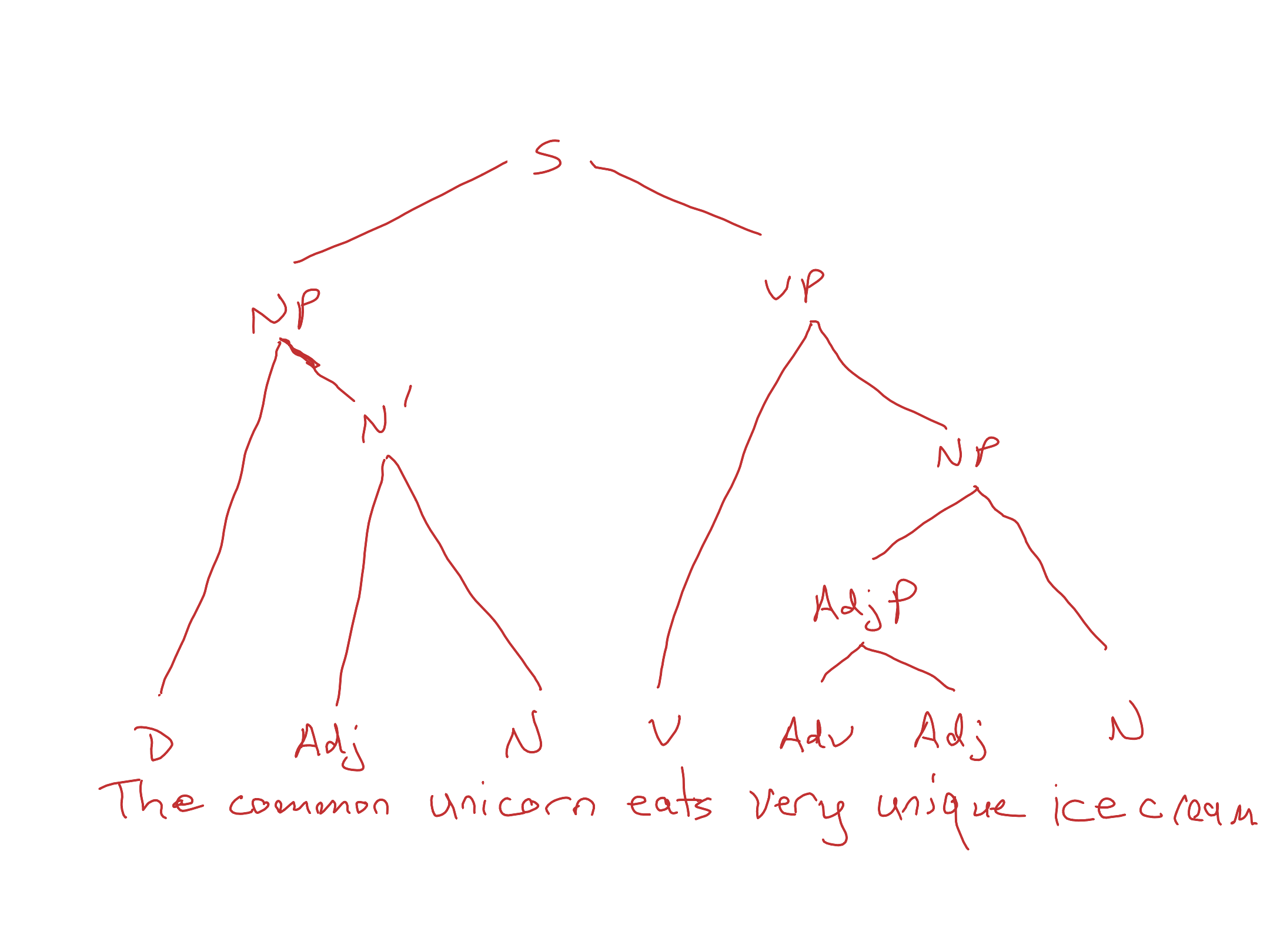
(I’ll talk more about the best way of approaching the task intellectually — i.e. where to start and how to proceed — in any medium below).
Using drawing software
Another way of doing this is to use software that allows you to draw using your mouse (e.g. Microsoft Paint, Libre Office Draw). In this case you’d type out the sentence you want to draw and then connect things using lines.
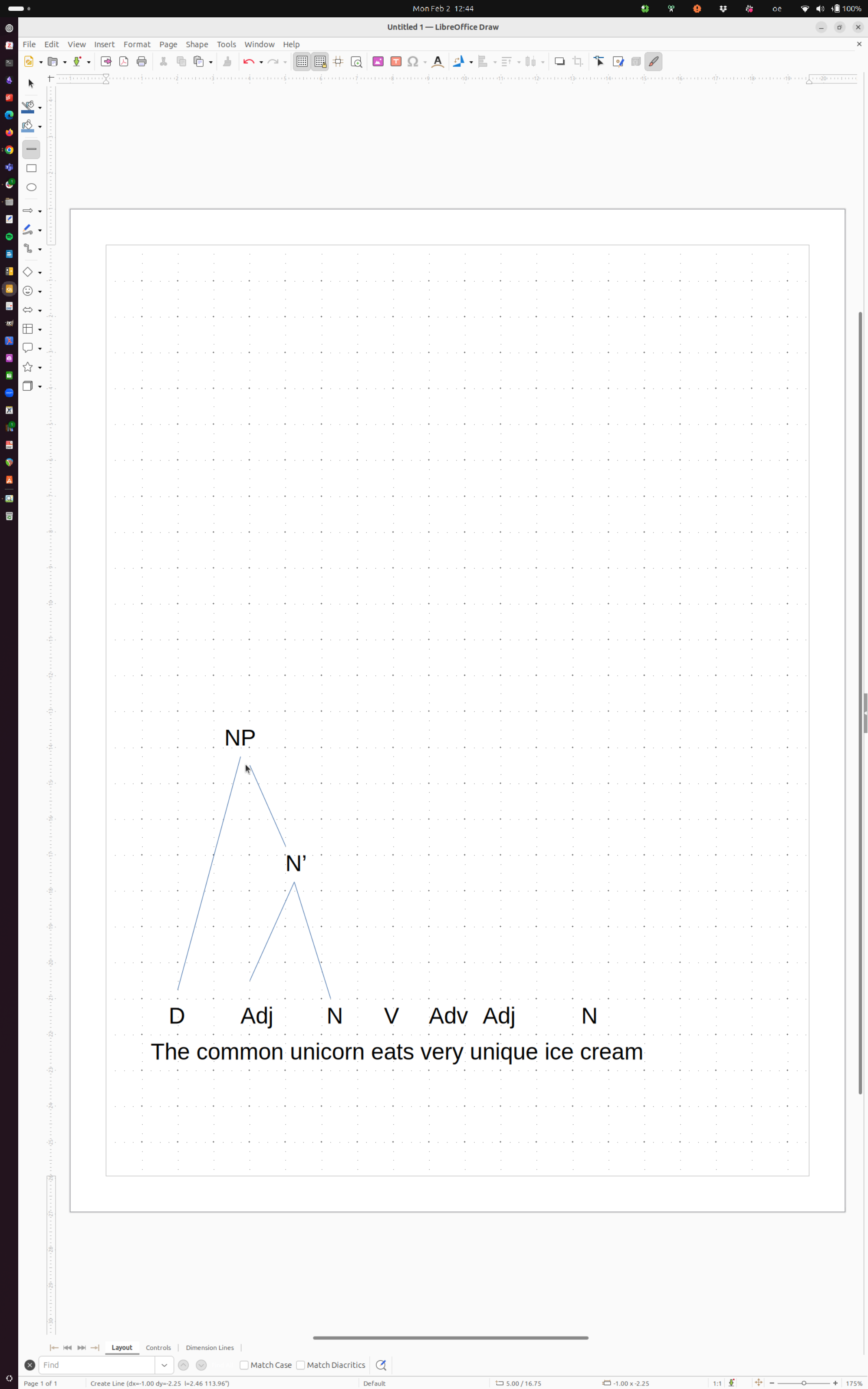
This is actually quite a time consuming process, and I wouldn’t recommend it. If you do, I’d draw the tree by hand first and then copy what I did in Paint or Draw.
Use an online app
There are several online apps that are intended specifically to draw linguistic trees including
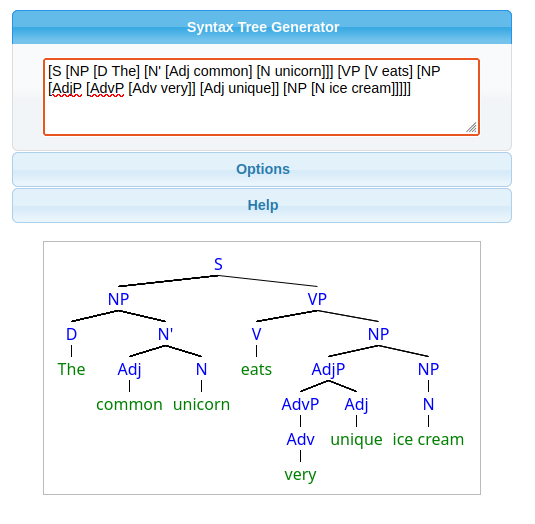
Both work in a similar way, requiring you to surround words you want to group with brackets, which the program then turns into a tree structure. E.g.
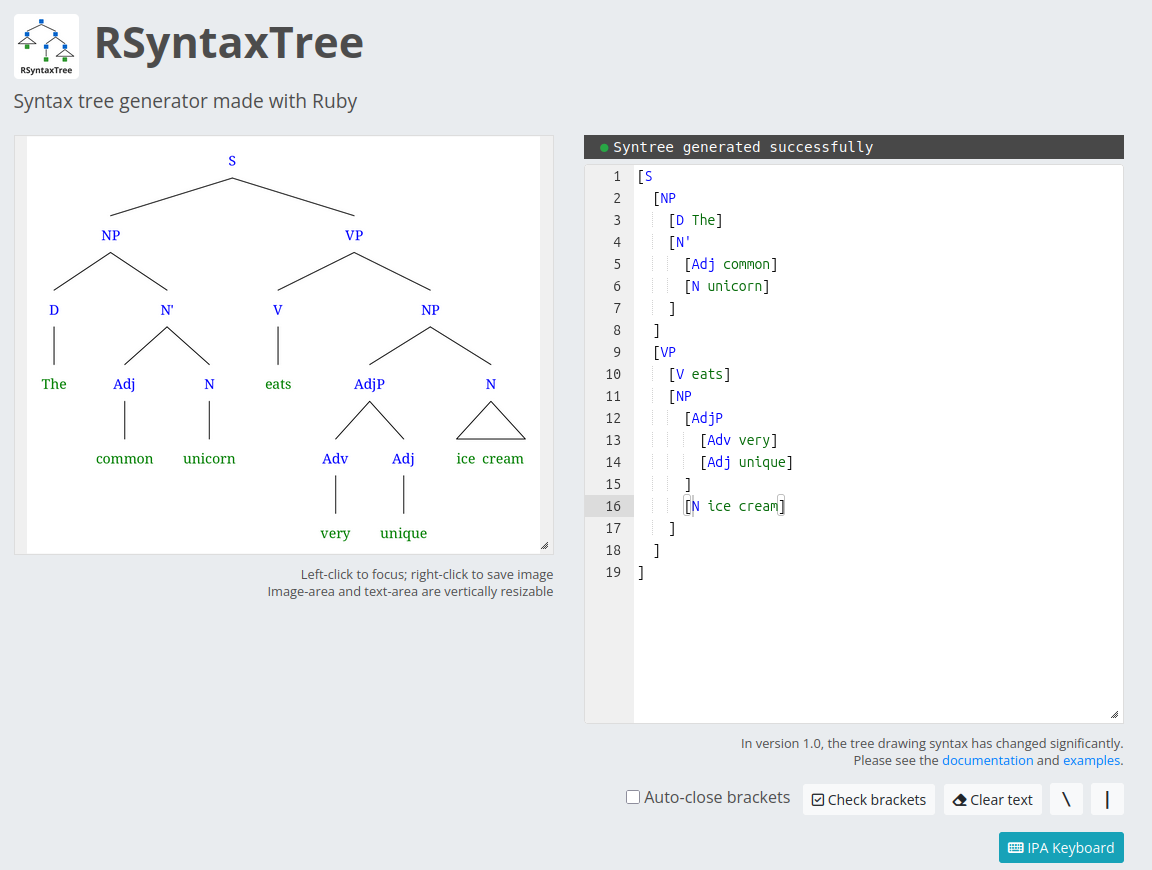
[S [NP [D The] [N’ [Adj common] [N unicorn]]] [VP [V eats] [NP [AdjP [AdvP [Adv very]] [Adj unique]] [NP [N ice cream]]]]]
Syntree:
RSyntaxTree:
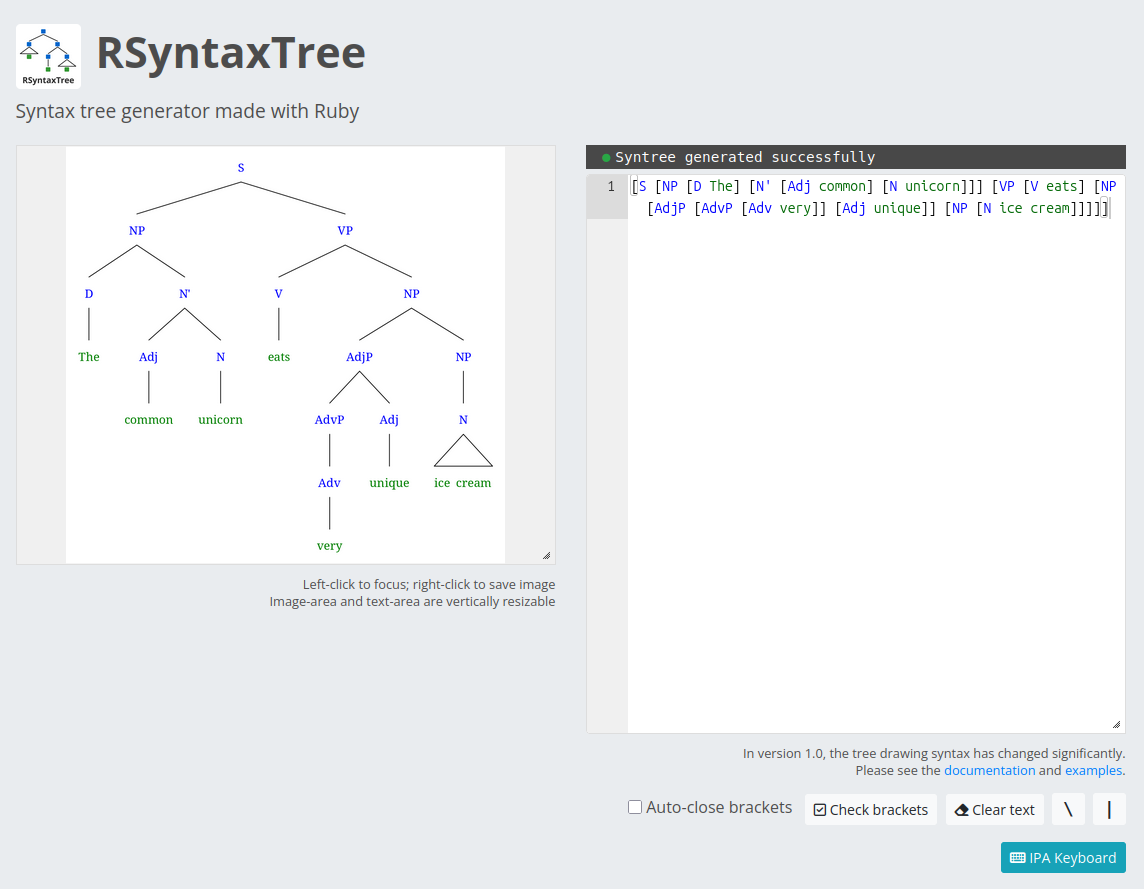
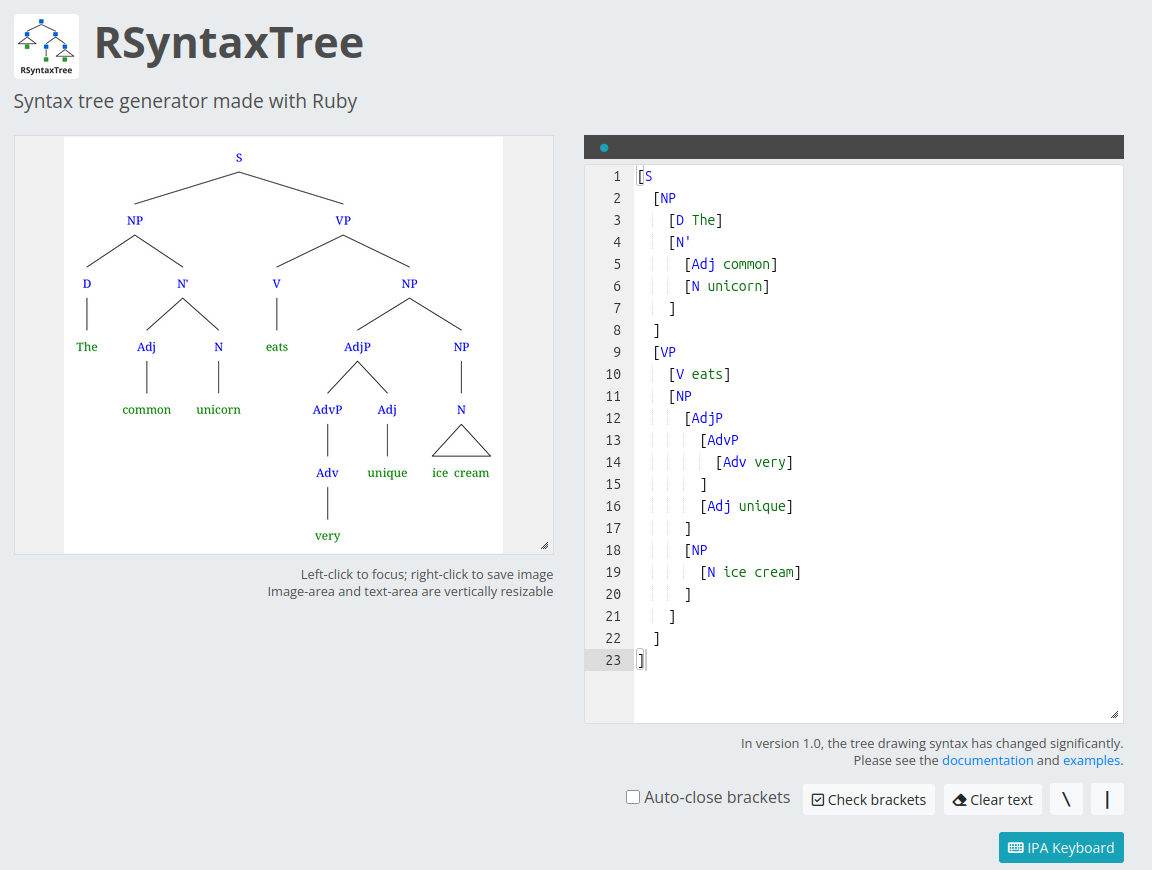
This bracketing can be difficult (it is easy to lose track of), so I prefer RSyntaxtree because it has better support for a list-style presentation, which I find helps me make sure I haven’t missed a bracket — and which looks a little more to me like an actual tree:
How to build a tree
If you google this, you’ll find that there are various ways of building a tree. You can start at the top (with the phrase type — e.g. S for Sentence, NP for Noun Phrase, and so on). Or you can start at the bottom, identifying each part of speech, then grouping them into phrases and so on until you reach the top.
Start at the bottom by identifying each part of speech
I find starting at the bottom is by far the easiest way to work. Especially in tree drawing applications.
This is partially because you can’t avoid looking at the words either way. The only way you can know that you need to start at the top with a Noun Phrase, for example, is if you have looked at the words to see that there is a noun: basically starting at the top means starting at the bottom and then skipping a whole bunch of steps.
But the other reason is that it is often much easier to identify what a word is in terms of its part of speech or grammatical function than it is to know exactly how it fits together with the other words in its phrase. In our example sentence, I know that very is an intensifying adverb, unique is an adjective, and ice cream is a noun long before I know exactly how the AdvP, AdvP, NP, and potentially N’ or other groupings work.
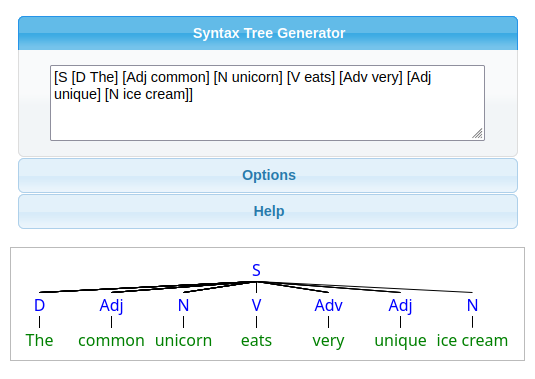
The common unicorn eats very unique ice cream —> [D The] [Adj common] [N unicorn] [V eats] [Adv very] [Adj unique] [N ice cream]

*Note: you may need to surround this with a single Phrase or Sentence tag if you want to see something in a generator right away:
Then start grouping together
After you have the parts of speech identified, start grouping them.
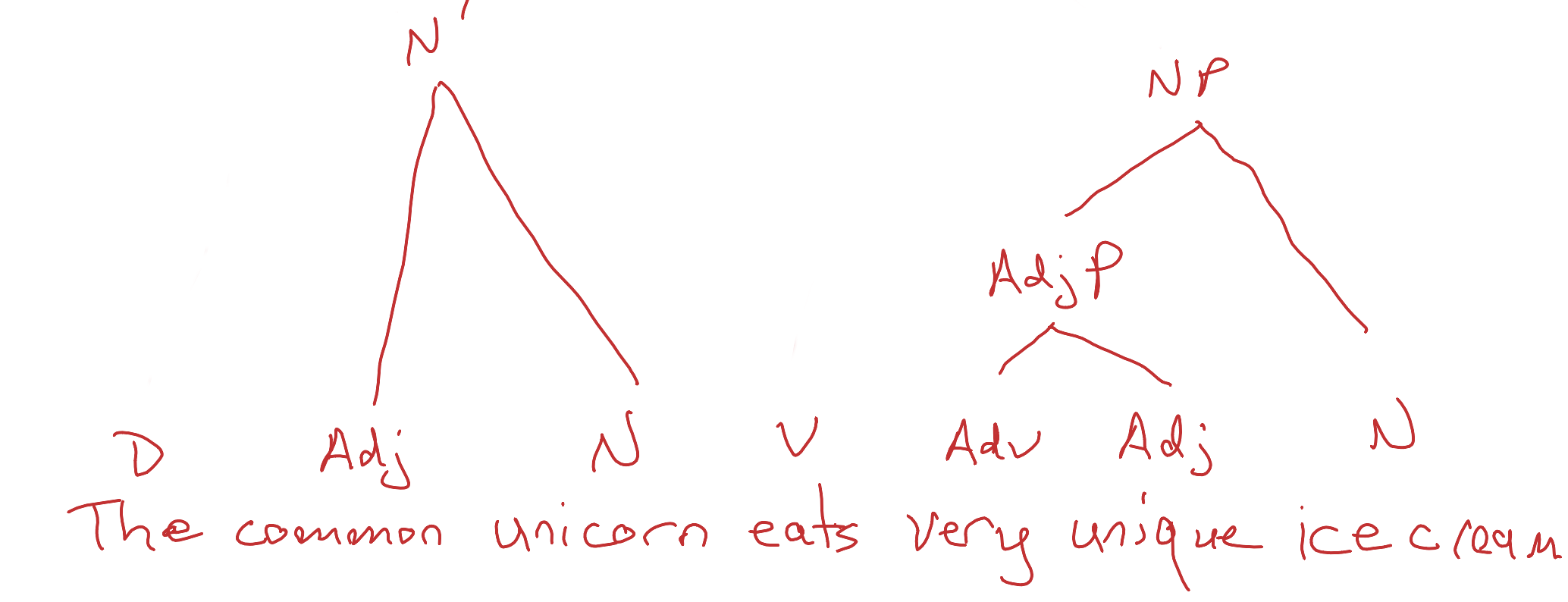
If you are drawing by hand, you should look for the smallest phrases first, because you are going to need to draw upwards to make the tree:
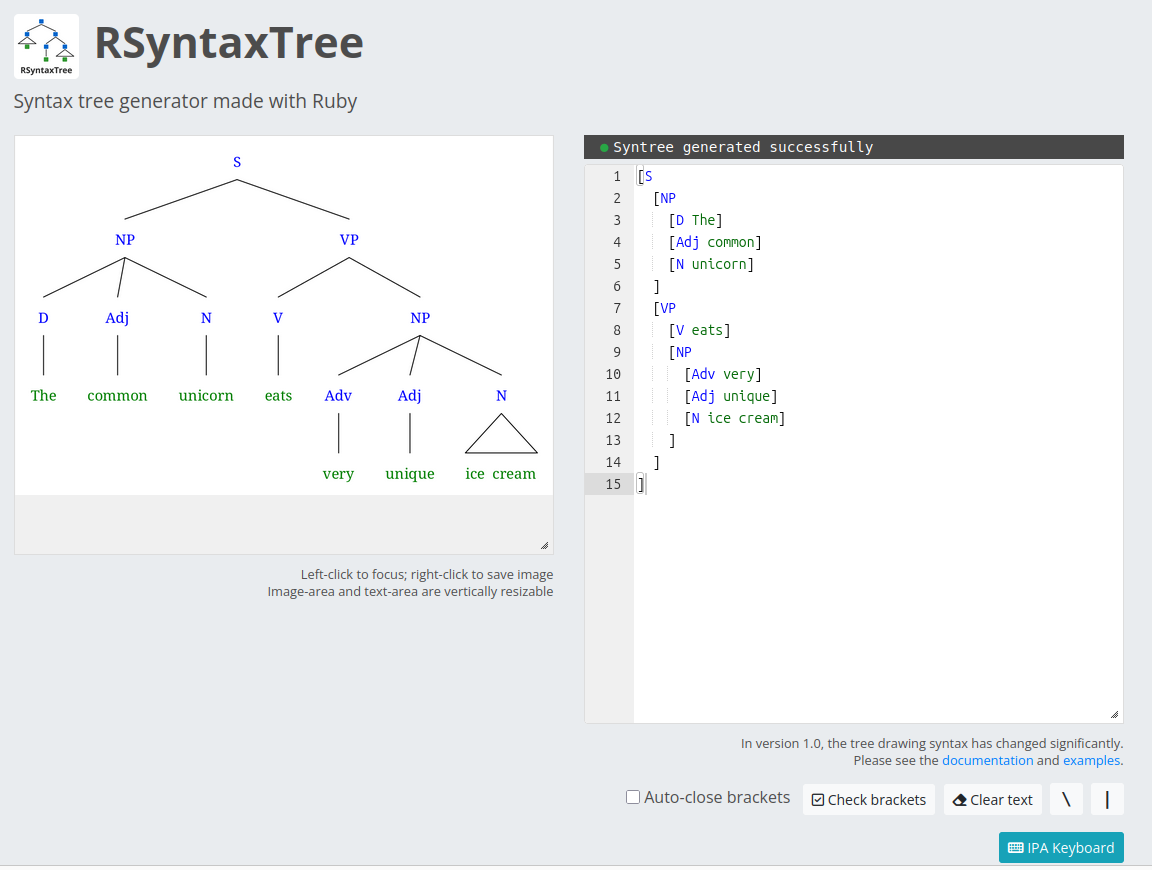
If you are doing it in a program, you have a bit more flexibility: you can either start with the smallest phrases as you would if you were drawing by hand; or you can start with the most obvious groupings and then fill in the subgroupings afterwards as far as you want to go:
Once you are finished, save the image (if it is from a program or on a digital notepad), or take a photo/scan and upload (hand-drawn on paper).